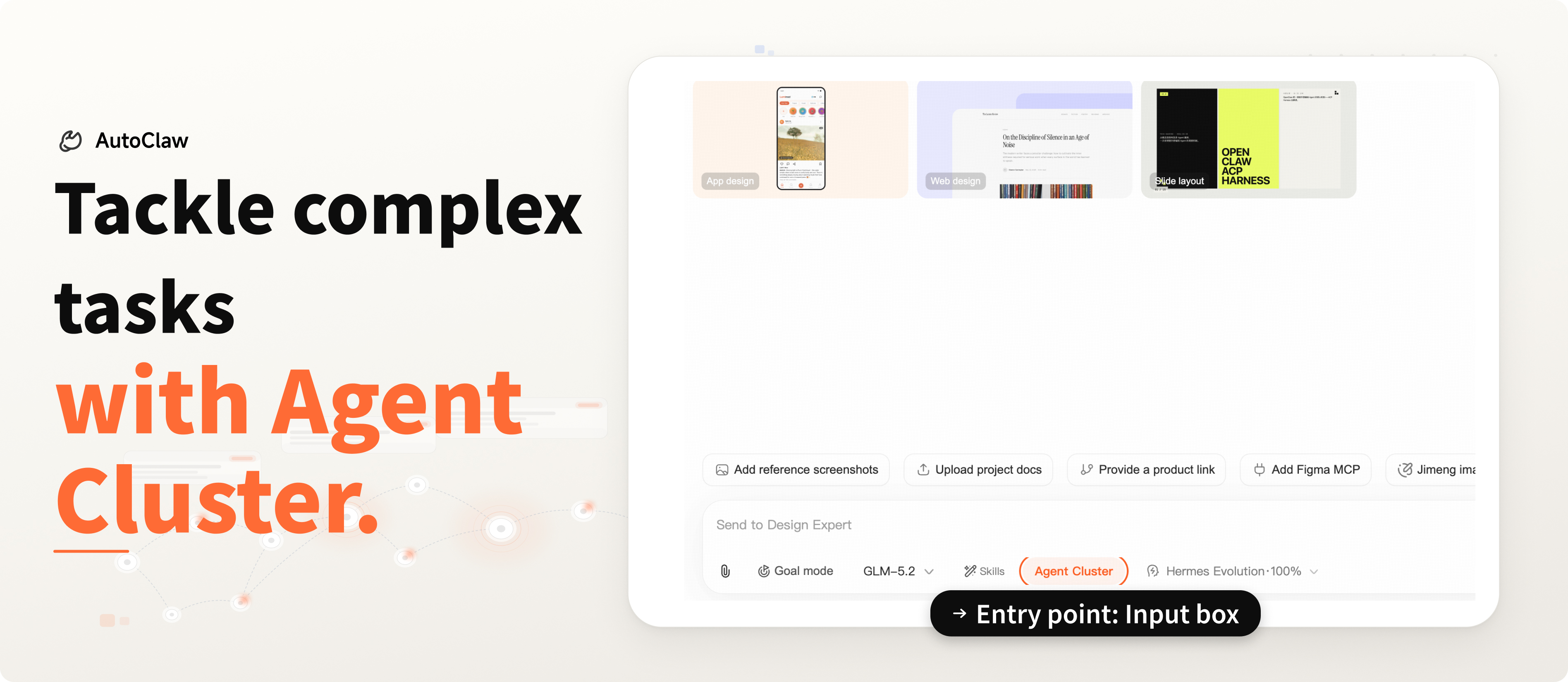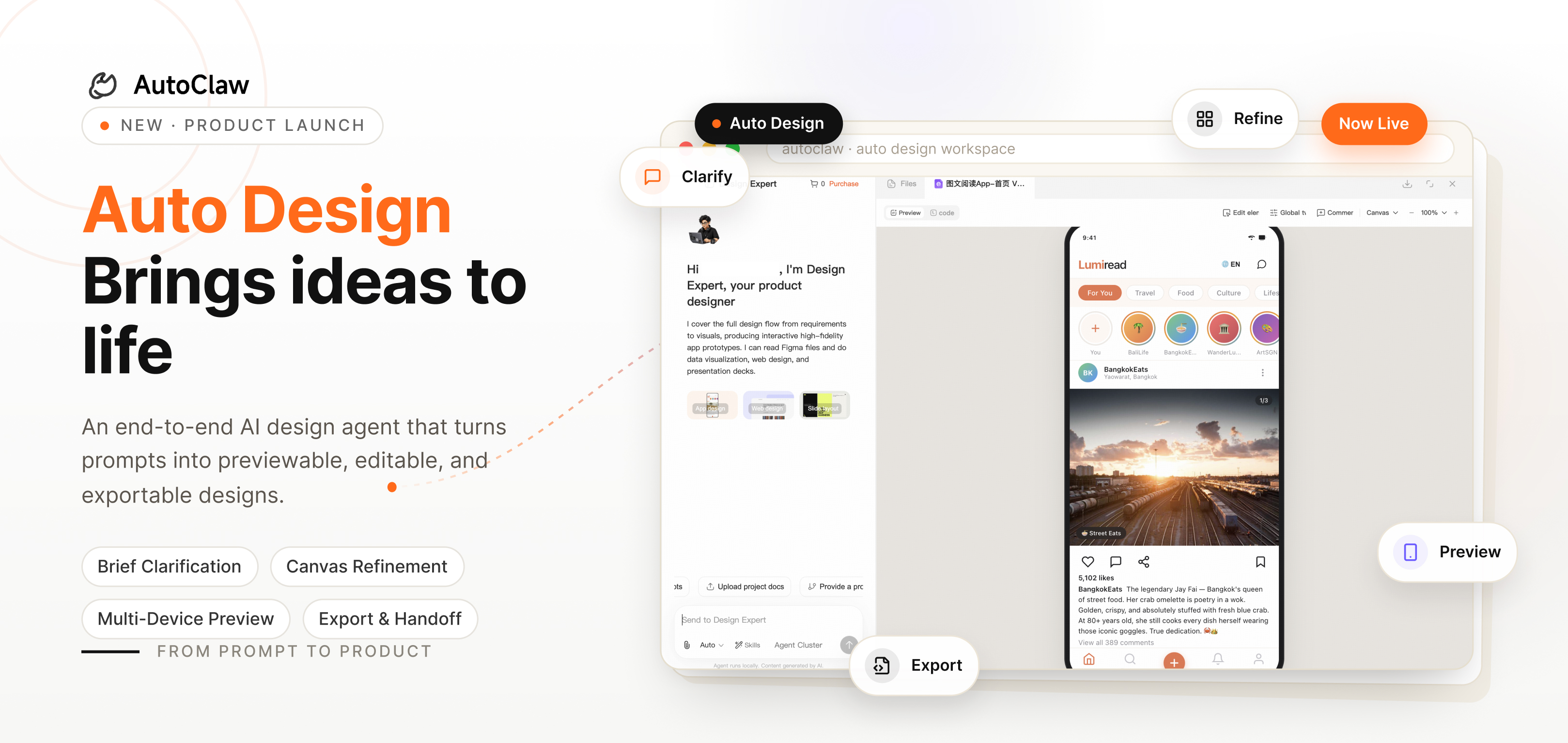
Auto Design is AutoClaw's dedicated AI design agent, built to take a product idea from a simple sentence to a previewable, editable, and exportable result.
Think of it as a design workflow assistant. It first helps you clarify the brief, then generates a strong first draft, and finally lets you refine the result on the canvas or export it into the formats your team already uses.
1. How Auto Design Works
Auto Design uses a two-panel workflow: conversation on the left, canvas on the right.
You can describe your goal in the chat panel, and Auto Design will respond with structured requirement prompts to help lock in the key details before generation begins.
These prompts typically cover things like:
- target platform
- visual style
- feature scope
- interaction flow
- design constraints
- delivery format
If you already have project material, you can bring it in directly. Auto Design works well with:
- screenshots, images, or existing reference assets
- code repositories or design files
- design systems and brand guidelines
When you do not have much background material, Auto Design can still help. It includes more than 140 built-in style directions, which makes it easier to avoid generic AI-generated visuals.
2. How to Refine a Generated Draft
The first version is only the starting point. A good design tool should support fast iteration at different levels, from broad structural changes to small visual adjustments.
Auto Design supports three main ways to refine a draft:
Chat for bigger changes
Chat is best for changes that affect the overall structure of the page, such as:
- adding a settings panel on the right
- showing three alternative layout directions
- You can also ask Auto Design to explain the design logic, or to review information hierarchy, readability, and usability.
Comments for local edits
When you have already spotted a specific issue on the canvas, comments are often the fastest way to fix it.
For example:
- make this button padding larger
- turn this section into a collapsible block
- This feels much closer to how real design collaboration happens.
Direct canvas adjustments
If you want to fine-tune the overall look quickly, the global tuning panel can adjust the canvas-wide tone, typography, and motion intensity.
For single elements, direct drag, resize, and alignment on the canvas are the most efficient options.
3. Preview, Progress, and Multi-Device Views
Auto Design provides several views on the canvas, including desktop, tablet, mobile, and presentation modes.
You can preview the result directly inside the product, switch devices, and step through a deck-like flow when needed.
A few familiar behaviors are preserved:
Ctrl/Cmd + scrollzooms the preview from 20% to 200%- app designs default to Mobile view
- web designs default to Desktop view
- deck outputs automatically enter Slide mode and include Speaker Notes for presentations
- During generation, the right side also shows live progress so you always know which stage is running.
4. Export Back Into Your Workflow
Once the design is ready, Auto Design lets you export it into formats that fit different downstream needs:
ZIPfor a complete project packageHTMLfor direct previewMarkdownfor documentation and knowledge sharingPDFfor reviews, presentations, and archivingPNGfor quick sharing and screenshotsPPTXfor decks and presentation materials
If your next step is handing the work off to design or engineering, these export options make it easier to keep the workflow moving.
5. Built for More Than Designers
Auto Design is for anyone who wants to turn an idea into something that can be seen, refined, and delivered.
- product managers can turn requirements into a page that teams can align on
- independent builders can move from idea to usable prototype faster
- operations teams can create one-stop design proposals
- designers can speed up early-stage concepting
- marketing and content teams can produce landing pages, campaign assets, and presentation materials
- In a team setting, Auto Design connects design, review, and delivery into one continuous workflow.
AutoClaw has now launched Auto Design globally. If you have an idea you want to visualize, this is a fast way to turn it into something real.